Download BartaAI for Windows
Install the native BartaAI Windows desktop application in seconds. Speak naturally in your language, trigger anywhere with Caps Lock or F8, and unlock lifetime access with your Personal or Pro license key.
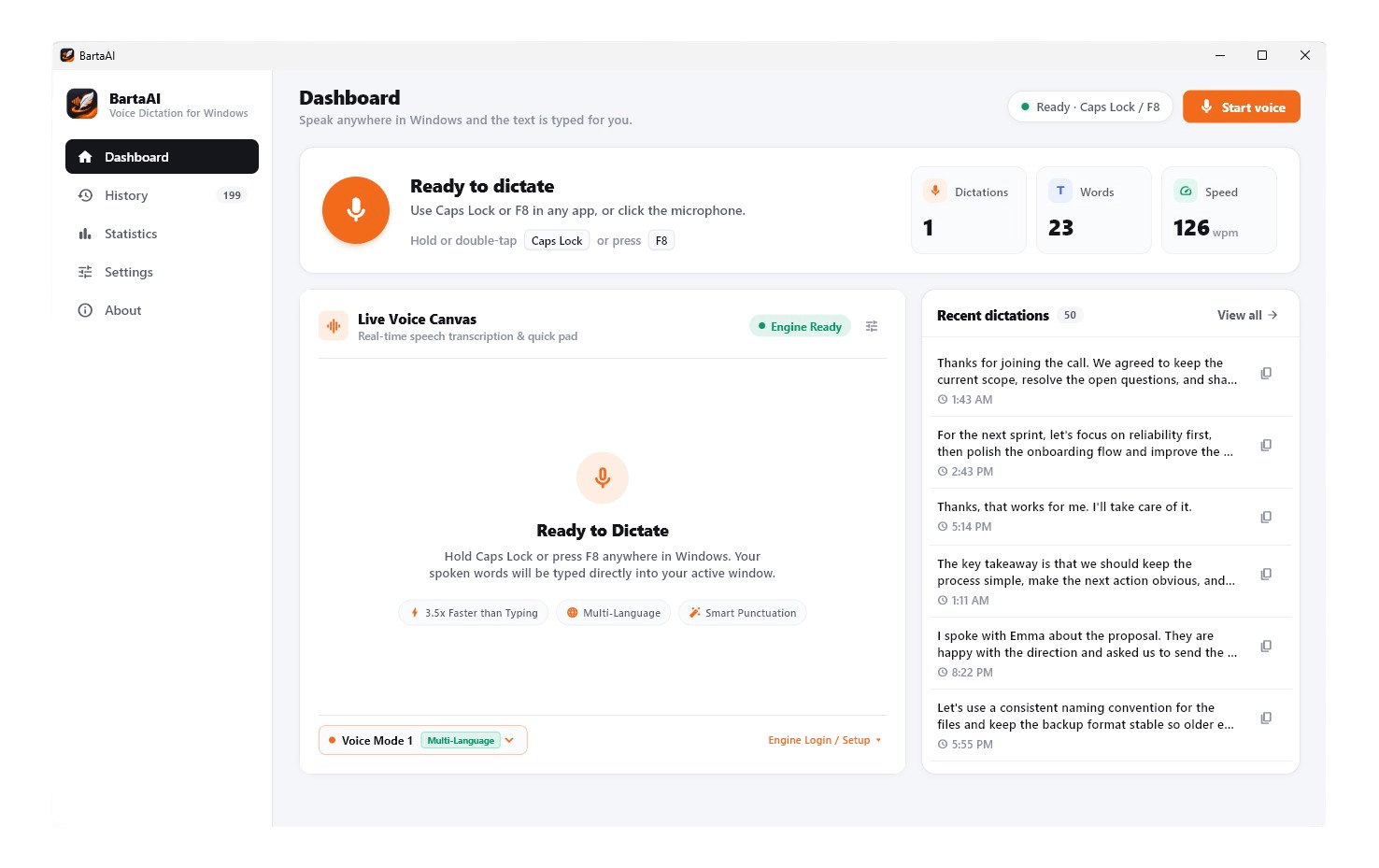
Up and Running in 3 Simple Steps
From downloading the installer to dictating in your favorite Windows apps—here is how to get started.
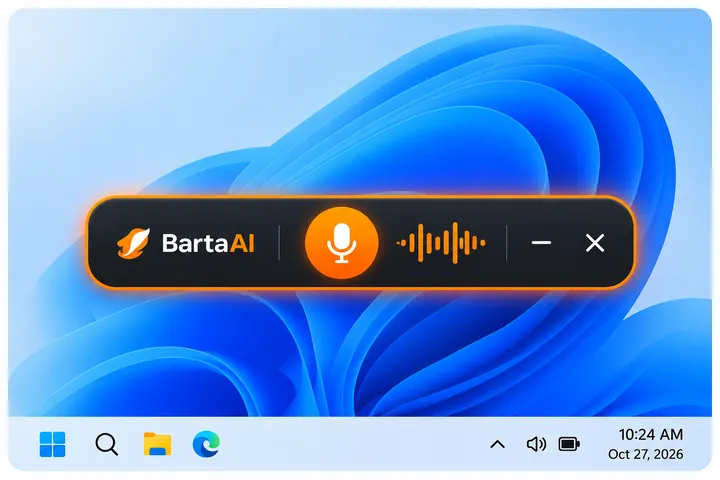
Run the Windows Installer
Launch BartaAI-V1.0.0.exe. BartaAI installs cleanly and docks silently into your Windows system tray so it is always ready when you need it.
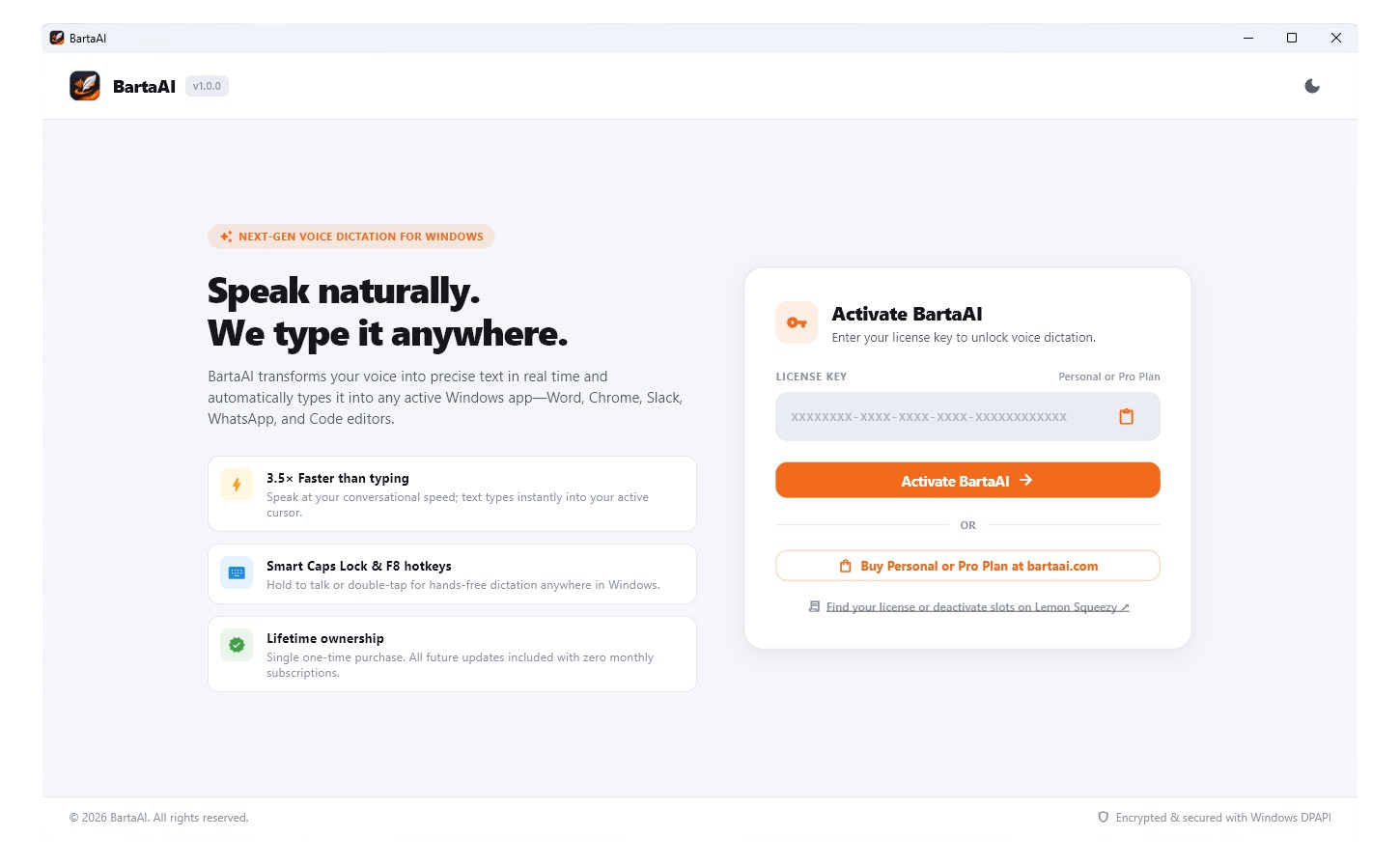
Activate Your License Key
Paste your Personal ($99 · 1 device) or Pro ($199 · 20 devices) license key from your Lemon Squeezy receipt into the activation modal to unlock lifetime access.
Press Caps Lock or F8 & Speak
Click into any Windows app, hold or double-tap Caps Lock (or press F8), and speak naturally. Your words are typed automatically and saved to local History.
See How to Use BartaAI in Action
Watch this quick step-by-step video guide to learn how to activate BartaAI, configure your global hotkeys, and start dictating smoothly across any Windows software.
Windows System Requirements
Lightweight, responsive, and engineered to run smoothly alongside your daily Windows applications.
Operating System
Windows 10 (64-bit, build 19041 or later) or Windows 11 (64-bit).
Microphone Input
Any built-in laptop mic, USB studio microphone, or wireless Bluetooth headset.
Memory & Storage
4 GB RAM minimum (8 GB recommended) and ~150 MB available disk space for app & local SQLite history.
Zero API Keys
Includes built-in Voice Mode 1 & Voice Mode 2 multi-language speech engines—no external API keys required.
Need Setup Guides or Technical Assistance?
Explore our comprehensive user manual or get in touch with our team for help with installation, hotkeys, or license activation.
Documentation & Help Center
Read step-by-step instructions on configuring global shortcuts (Caps Lock & F8), switching between Voice Mode 1 and Voice Mode 2, using Smart Punctuation, exporting history to JSON/CSV, and managing device slots.
Contact Us & Technical Support
Have a question about installing BartaAI on your Windows PC, activating your Personal or Pro license key, or resetting an active machine slot? Send us a message directly on our Contact Us page.